
Mysterria Archive
What is the Archive?
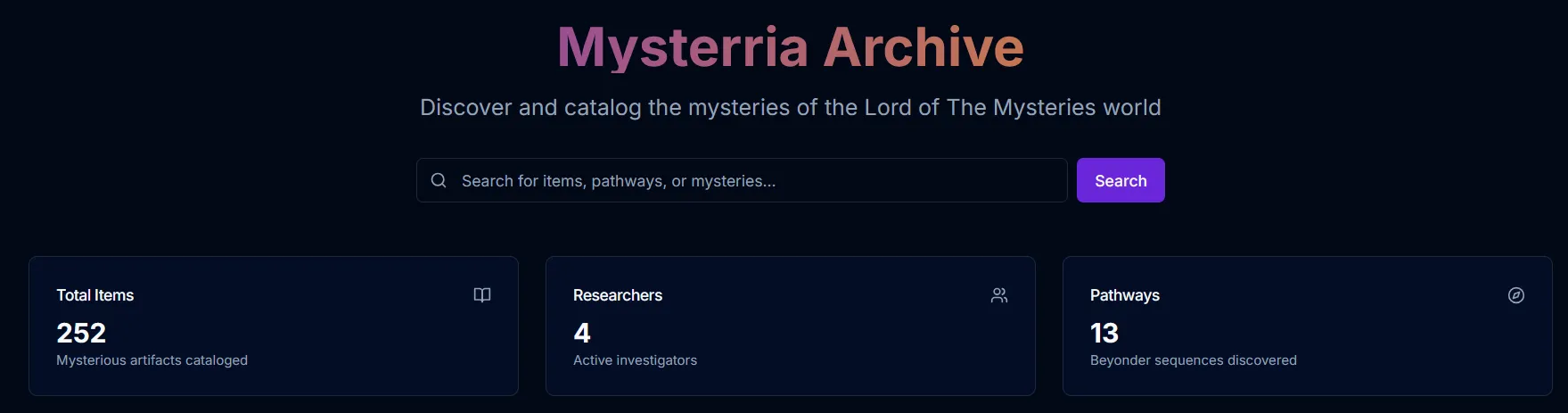
Section titled “What is the Archive?”The Archive is a separate place created specifically for the server’s needs. Essentially, it’s a separate forum where players can exchange information, share their discoveries, view other players’ finds, and leave comments with clarifying information about an ingredient, monster, or other new mechanics.
The Archive is available at: https://archive.mysterria.net
How to use it?
Section titled “How to use it?”Everything is very, very simple. You need to:
- Go to https://archive.mysterria.net
- Register or log in if you already have an account on the main site https://www.mysterria.net
- Choose a category that interests you, for example, “Ingredients”
- Choose a subcategory, for example, “Unusual”
- Find the ingredient you need, for example, “Phoenix Feather”
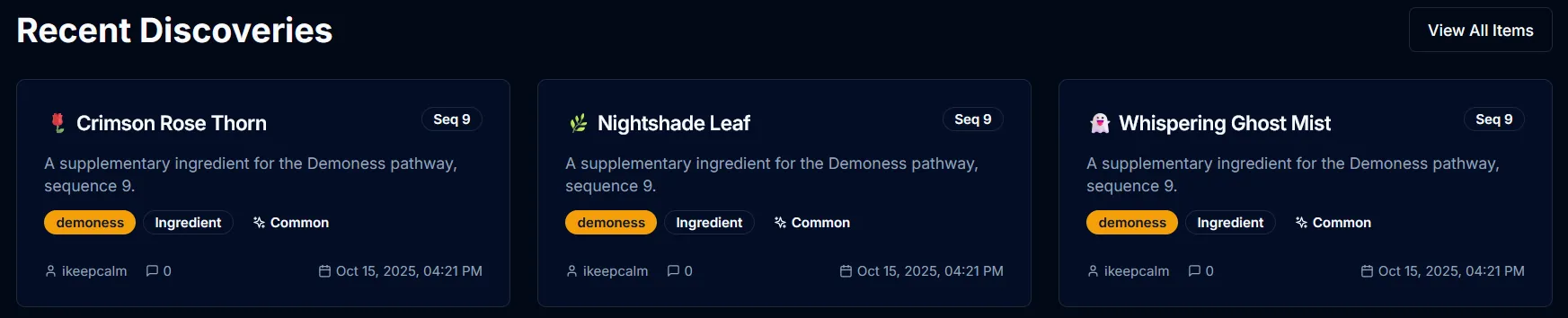
- View information about it, read comments from others, or leave your own comment
How can I add something there?
Section titled “How can I add something there?”If you want to add something new to the Archive, for example, information about a new ingredient, you need to:
- Register or log in at https://archive.mysterria.net
- Click the “Add Item” button in the top right corner
- Fill out the form, add an image, description, category, and subcategory
- Click “Create Item” and fill in all the fields
If your information is useful and interesting, it will be published in the Archive, and other players will be able to view and comment on it. The item itself will be displayed in your Archive profile.